Most cloud storage evaluations follow a familiar script: compare IOPS ceilings, check SLA uptime percentages, benchmark a few workloads in a staging environment, and make a decision based on which provider looks best on paper. It’s a thorough process — and it consistently misses the problems that surface six, twelve, and eighteen months after go-live.
That’s not a knock on the teams doing the evaluating. It’s a structural problem. Cloud storage performance is designed to look compelling at the point of selection and reveal its real constraints only under the conditions that matter most: peak load, recovery events, and operational workflows that run alongside production.
Here are the blind spots that enterprise buyers most commonly overlook — and what to watch for instead.
Steady-State Performance ≠ Operational Performance
Benchmarks and proof-of-concept tests tend to measure storage under ideal conditions: a single workload, low contention, no competing operations. What they don’t capture is how the environment behaves when a backup job fires during business hours, when a failover triggers a resync, or when a snapshot runs alongside a peak transaction window.
In native cloud storage architectures, data-protection workflows and production IO compete for the same underlying resources. The result is predictable at the process level — teams learn to schedule backups at 2am, delay refreshes, avoid snapshots during business hours — but unpredictable at the application level, where latency spikes and throughput drops hit without warning.
What to ask: How does your storage perform during recovery, replication, and snapshot operations — not just during steady-state workloads?
Performance Ceilings Are Not Performance Guarantees
Every cloud provider publishes IOPS and throughput maximums for their storage tiers. These numbers are real — but they describe theoretical ceilings, not consistent operating ranges. Multitenant infrastructure, shared hardware, and “noisy neighbor” dynamics mean that hitting those ceilings reliably under real-world conditions is a different proposition than the spec sheet suggests.
Teams discover this when they provision what looks like sufficient headroom, only to find that SLAs slip during peak periods or that the performance they validated in testing doesn’t hold under production load patterns.
What to ask: What’s the performance floor, not just the ceiling? How does this tier behave at the 95th and 99th percentile of latency under sustained load?
Storage Performance Is Coupled to Instance Size — and That Gets Expensive Fast
One of the least-discussed aspects of native cloud storage is how tightly throughput and IOPS are bound to the VM instance family and size. In many cases, teams aren’t upsizing compute because the workload needs more CPU or memory — they’re doing it to unlock higher storage performance limits.
This creates a cascade of hidden costs. Larger instances cost more per hour. For database workloads, larger VMs can also mean additional core-based licensing fees. And after all of that spend, the performance model hasn’t actually changed — it’s just operating with more ceiling and the same underlying variability.
What to ask: Are we selecting instance types based on compute requirements, or to work around storage performance limits?
Recovery Is Where Architectures Actually Get Tested
Disaster recovery plans look great in documentation. They tend to look different during an actual recovery event, when the combination of IO-intensive rebuild operations, replication resyncs, and production traffic creates contention that no staging test predicted.
In fragile storage environments, a failover can create a second incident. The restore process competes with production, latency climbs, SLAs breach, and the team is now managing two problems simultaneously. This isn’t hypothetical — it’s a pattern that repeats across architectures when data-protection operations aren’t designed to be performance-neutral.
What to ask: Can our architecture maintain production SLAs during a recovery or failover event, or do we have to accept degraded performance as part of the recovery process?
“We’ll Fix It With a Bigger Instance” Is a Strategy, Not a Solution
When performance problems emerge post-migration, the fastest fix is almost always resizing. And resizing works — until it doesn’t. Each resize raises costs, and because the underlying performance model hasn’t changed, variability persists during the moments that matter most.
Over time, this becomes institutionalized. What started as a temporary workaround becomes the baseline. The environment grows heavier, more expensive, and harder to right-size — while the original problem, structural performance unpredictability, remains unaddressed.
The same pattern applies to premium tier upgrades. Moving from standard to premium storage, or from premium to ultra, raises the ceiling. It doesn’t change the consistency model. Teams keep buying headroom they can’t reliably convert into SLA stability.
What to ask: Are we solving a performance problem, or funding a workaround that will need to be repeated?
Operational Workflows Become Liabilities Instead of Enablers
In a healthy cloud architecture, snapshots, clones, and replication should be operational assets — tools teams use confidently and frequently to move faster, refresh test environments, validate DR readiness, and support dev/analytics workflows.
In practice, when storage performance is fragile, these capabilities become liabilities. Teams stop taking snapshots during business hours. Refresh cycles lengthen. DR tests get pushed to narrow maintenance windows. Test and dev environments run on stale data because the performance cost of a refresh isn’t worth the risk.
This avoidance behavior is one of the clearest signals that an architecture has a performance model problem, not a tuning problem. And it tends to deepen over time: the longer teams go without running these workflows, the less confidence they have in their ability to execute them when it actually matters.
What to ask: Are we using snapshots, clones, and replication confidently and frequently — or are we scheduling around them?
Provider Selection Gets Conflated With Performance Expectations
Enterprise buyers often approach cloud provider selection with embedded performance assumptions: one provider’s block storage is “better” for databases, another’s is more consistent under heavy IO, another’s premium tier is worth the premium because it “just works.” These perceptions are informed by experience and peer feedback — but they’re rarely validated under the specific conditions of the workload being evaluated.
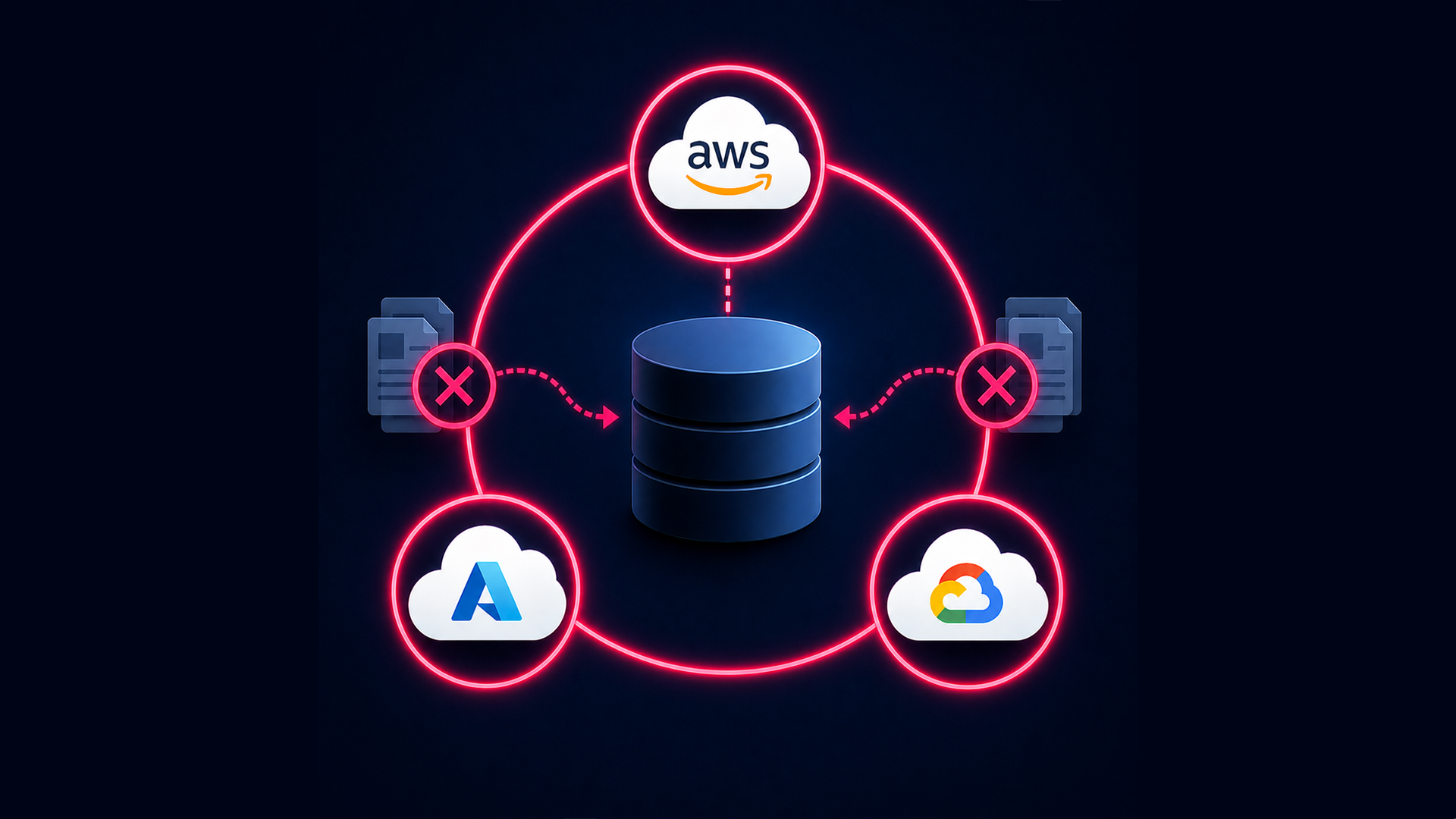
What’s consistent across all major providers is the underlying structural constraint: storage performance is tightly coupled to instance size, volume type, and shared infrastructure. The specific ceilings differ. The consistency model doesn’t. Teams that switch providers hoping to solve performance unpredictability frequently discover the same issues surfacing under load, during recovery, or at scale.
What to ask: Are we selecting this provider for ecosystem fit, tooling, and services — or because we’re assuming it will solve a performance problem that the architecture itself needs to address?
The Evaluation Checklist Is Missing the Hard Questions
Most cloud storage RFPs and proof-of-concept frameworks are built to evaluate feature completeness, pricing, and peak performance. They’re not designed to surface how a storage architecture behaves when things get complicated — which is exactly when performance consistency matters most.
The questions that tend to go unasked during evaluation:
- What happens to latency and throughput during a backup or replication job?
- How much overprovisioning will we need to feel safe, and what will that cost on a recurring basis?
- If we need to recover from a failure, will production SLAs hold during the recovery process?
- Are we making this provider selection based on documented performance, or on assumptions we haven’t tested?
- If performance assumptions prove false after migration, what will remediation cost — in time, spend, and architectural rework?
These aren’t edge-case questions. They describe the conditions under which enterprise cloud architectures fail — and the conditions under which most evaluations don’t test.
Get the Full Evaluation Framework
Stop evaluating cloud storage the way providers want you to.
Download the Practical Buyers' Guide